How to Cash Out to GCash from Yurnero88: Step-by-Step Withdrawal
Prerequisites: Verified Account and Linked GCash Number
Before you can cash out to GCash from Yurnero88, two conditions must be met.
First, your Yurnero88 account needs to be fully verified. The platform typically asks for a government-issued ID—such as a Philippine driver's license, passport, UMID, or postal ID—plus a selfie holding that ID. Verification can take anywhere from a few hours to one business day. If your account is still pending, the withdrawal option will either be grayed out or your request will be declined until verification clears.
Second, the GCash mobile number you plan to use for the withdrawal must match the number registered on your Yurnero88 account. Many players skip this detail during first deposit, but Yurnero88's cashier will reject mismatched numbers as a security measure. Check your account profile to confirm the linked mobile number is the same one tied to your GCash wallet. If it's different, update it through account settings before attempting a cashout—some operators require customer support to change this detail, so allow extra time.
Also confirm your GCash wallet is fully verified. An unverified GCash account has a monthly incoming limit of PHP 100,000, which is usually enough for casual players, but a verified wallet lifts that cap and prevents issues if you're withdrawing larger amounts.
Step-by-Step GCash Withdrawal Process from Yurnero88 Cashier
Once prerequisites are satisfied, follow these steps to withdraw funds from Yurnero88 to your GCash wallet.
1. Log in to your Yurnero88 account
Open the Yurnero88 app or mobile site and enter your username and password. If you use the APK version, make sure it's updated to avoid cashier bugs.
2. Navigate to the cashier or withdrawal section
Look for a "Cashier," "Wallet," or "Withdraw" button, usually found in the main menu or account dashboard. Tap it to open the withdrawal screen.
3. Select GCash as your withdrawal method
Yurnero88 typically lists GCash alongside other e-wallet and bank options. Tap "GCash" to proceed.
4. Enter the withdrawal amount
Type the amount in Philippine pesos. Most platforms enforce a minimum withdrawal—commonly PHP 100 or PHP 200—and a maximum daily or per-transaction limit, often between PHP 10,000 and PHP 50,000. If you have active bonus funds or unmet wagering requirements, only your real-money balance will be available for withdrawal; bonus balances usually cannot be cashed out until turnover conditions are complete.
5. Confirm your GCash mobile number
The cashier will display the GCash number linked to your account. Double-check it matches your wallet. If it's wrong, cancel the request and update your profile before continuing.
6. Review and submit
Check the amount and number one more time. Some operators show an estimated arrival time on this screen. Tap "Confirm" or "Submit" to send the request.
7. Wait for confirmation
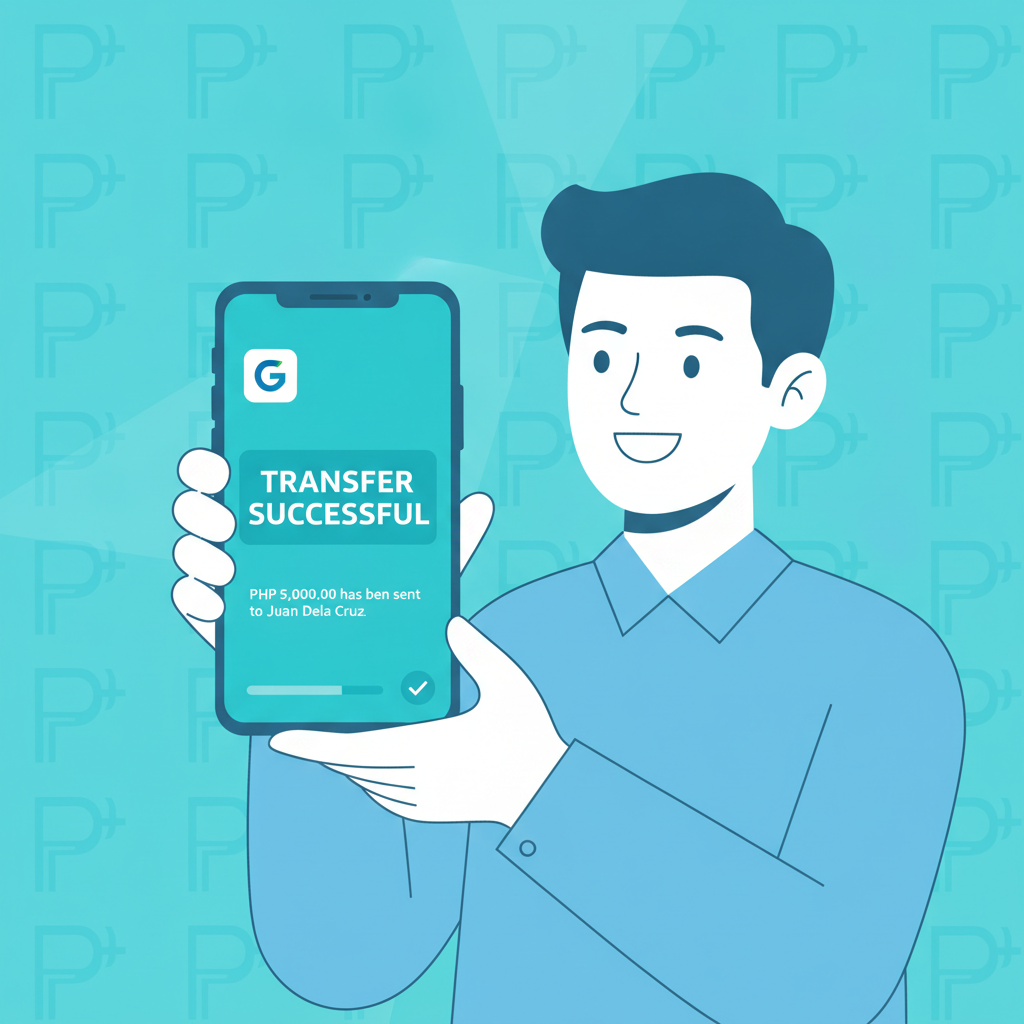
You should see an on-screen confirmation message and may receive an email or SMS notification. The withdrawal will appear as "Pending" in your transaction history while Yurnero88 processes it.
No promo code or coupon is required for standard withdrawals. If the platform prompts you for one, leave the field blank unless customer support has given you a specific code for a withdrawal-related issue.
Typical Processing Time and When Funds Appear in GCash Wallet
Yurnero88 GCash withdrawals are usually processed faster than bank transfers, but exact timing varies.
Internal processing by Yurnero88: Most requests are reviewed and approved within 15 minutes to 2 hours during business hours (roughly 9 AM to 9 PM Manila time). Outside those hours—late night or early morning—approvals may take until the next business day.
Transfer to GCash: Once Yurnero88 releases the funds, GCash typically credits your wallet instantly to within 5 minutes. In rare cases, GCash's system may delay the credit by 15–30 minutes during peak hours or maintenance windows.
Overall timeline: For most players, the entire process—from clicking "Confirm" to seeing pesos in the GCash app—takes 30 minutes to 3 hours. First-time withdrawals sometimes take longer because the platform may run additional security checks.
How to check status
Log in to Yurnero88 and open your transaction or withdrawal history. Look for the request and its status:
- Pending: Still under review by Yurnero88.
- Processing: Approved and being sent to GCash.
- Completed: Funds have been released. If the status shows "Completed" but your GCash wallet hasn't updated, wait 15 minutes then check your GCash transaction history for incoming transfers.
If a withdrawal stays "Pending" for more than 6 hours during weekdays, contact Yurnero88 support via live chat or the in-app help desk.
Common GCash Withdrawal Errors and How to Fix Them
Even with correct setup, issues can happen. Here are the most frequent problems and their solutions.
"Withdrawal declined" or "Failed" status
- Cause 1: Unmet wagering requirements. If you claimed a bonus, you must complete the rollover before cashing out. Check the bonus terms or your account's "Bonus Status" page to see remaining turnover.
- Cause 2: Mismatched mobile number. The GCash number on file doesn't match your wallet. Update your Yurnero88 profile and resubmit.
- Cause 3: Insufficient real-money balance. You may have entered an amount higher than your withdrawable balance. Bonus funds are often locked until wagering is done.
- Fix: Review the decline reason in your transaction history or email notification. Adjust the amount, clear bonus requirements, or update your mobile number, then try again.
"GCash account not found" error
- Cause: The mobile number you entered isn't registered with GCash, or it's typed incorrectly (extra digit, missing zero, wrong prefix).
- Fix: Confirm the 11-digit number starts with 09 and matches exactly what's in the GCash app under your profile. Correct it in Yurnero88's cashier and resubmit.
Withdrawal shows "Completed" but GCash wallet balance hasn't changed
- Cause 1: GCash delay. Occasionally GCash's crediting system lags by 10–30 minutes.
- Cause 2: Wrong GCash account. Funds went to a different number if you recently changed your registered mobile.
- Fix: Wait 30 minutes. Open the GCash app, pull down to refresh your wallet, and check "Transaction History" for cash-in entries. If nothing appears after an hour, contact both Yurnero88 support (with your transaction ID) and GCash hotline (2882) to trace the transfer.
"Daily withdrawal limit exceeded"
- Cause: You've hit Yurnero88's per-day cashout cap, often PHP 20,000 to PHP 50,000 depending on account tier.
- Fix: Wait until the next day (limits usually reset at midnight Manila time) or split your request into smaller amounts over multiple days.
"Account under review" or verification request mid-withdrawal
- Cause: The platform flagged your account for additional KYC checks, common on large or first-time withdrawals.
- Fix: Submit any requested documents (updated ID, proof of address, source-of-funds declaration) via the verification portal or email. Processing resumes once review is complete, typically within 24–48 hours.
Network or app crash during submission
- Cause: Unstable mobile data or outdated APK version.
- Fix: Check your transaction history to see if the request went through. If it didn't, reconnect to stable Wi-Fi or mobile data and resubmit. If using the Android APK, download the latest version from Yurnero88's official site.
Fees, Limits, and Tips
Yurnero88 does not usually charge a fee for GCash withdrawals, and GCash itself does not charge for receiving funds. However, always check the cashier screen for any listed service fee before confirming—some platforms introduce fees during promotional changes.
Minimum and maximum limits vary by account level. Typical ranges:
- Minimum: PHP 100–PHP 200 per transaction
- Maximum: PHP 10,000–PHP 50,000 per transaction or per day
VIP or higher-tier accounts may enjoy raised limits and faster processing.
Tips for smoother cashouts:
- Withdraw during daytime hours (9 AM–6 PM Manila time) for fastest approval.
- Avoid requesting a withdrawal immediately after depositing; some platforms enforce a minimum play-through (often 1× the deposit) to prevent money laundering.
- Keep a screenshot of the "Completed" confirmation and the transaction ID in case you need to follow up.
- If you're cashing out a large win, consider splitting it into multiple smaller requests to stay within daily limits and reduce the chance of extended review.
21+ Reminder and Responsible Gambling Note
Yurnero88 is strictly for players 21 years old and above. Online gambling should remain entertainment, not a source of income. Set a budget for deposits and withdrawals, and never chase losses by re-depositing money you've just cashed out.
If you find yourself withdrawing and re-depositing repeatedly in a short period, or if gambling is affecting your finances or well-being, take a break. Yurnero88 offers self-exclusion and deposit-limit tools in account settings. You can also reach out to the National Center for Mental Health crisis hotline (0917-899-USAP) or local support groups for confidential help.
Withdraw your winnings when you're ahead, enjoy the cash in your GCash wallet, and play responsibly.