Yurnero88 Maya Withdrawal & Deposit: Limits, Fees, and Processing Time
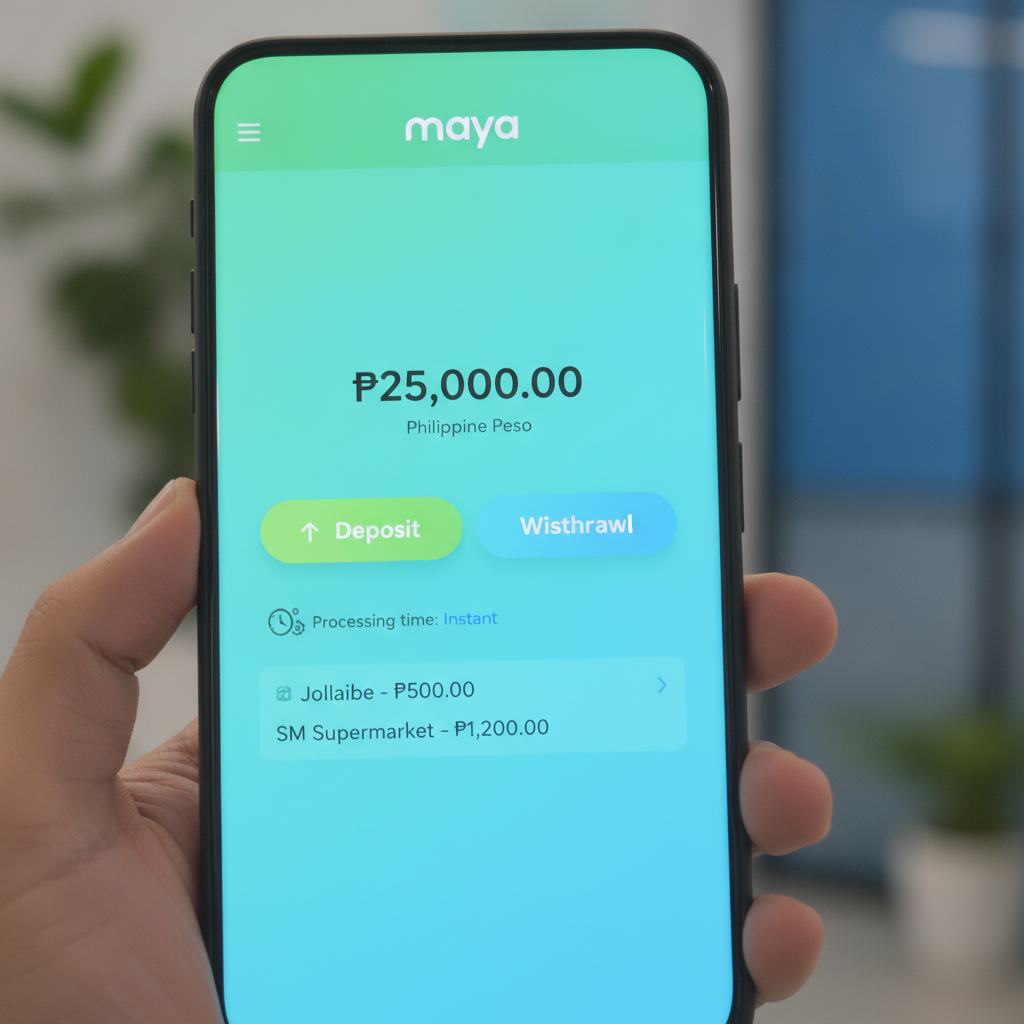
How to Link Your Maya Account to Yurnero88 for Deposits and Cashouts
Before you can deposit or withdraw using Maya on Yurnero88, you need to link your Maya account to your casino profile. This is a one-time setup that makes future transactions faster.
Step 1: Log in to Yurnero88
Open the Yurnero88 app or mobile site and sign in with your registered credentials. Tap the menu icon (usually three lines or a profile avatar) and navigate to the Banking or Payment Methods section.
Step 2: Add Maya as a payment option
Look for the option to add or link an e-wallet. Select Maya from the list of available payment channels. You may see it listed alongside GCash, bank transfer, and other methods.
Step 3: Enter your Maya account details
Yurnero88 will ask you to provide your Maya mobile number—the number tied to your Maya wallet. Make sure this matches exactly with the number you use to log in to the Maya app. Some platforms also ask you to confirm your full name as it appears in your Maya account for security and verification purposes.
Step 4: Verify the link
Depending on Yurnero88's process, you might receive a one-time PIN (OTP) via SMS to your Maya-registered number, or you may need to confirm the link inside the Maya app itself. Complete this step to activate Maya for both deposits and withdrawals.
Once linked, your Maya account will appear as a saved payment method, and you won't need to re-enter your details for each transaction.
Maya Deposit Steps and Instant Crediting Process
Maya deposits on Yurnero88 are designed to be quick and straightforward, especially for mobile users in Metro Manila and the provinces.
Step 1: Go to the Deposit section
From your Yurnero88 dashboard, tap Deposit or Add Funds. This is usually found in the main menu or account wallet area.
Step 2: Choose Maya
Select Maya as your deposit method. If you've already linked your Maya account, your registered mobile number should appear automatically.
Step 3: Enter deposit amount
Type in the amount you want to deposit in Philippine pesos. Most players deposit between PHP 100 and PHP 500 per transaction. Check that the amount meets Yurnero88's minimum deposit requirement—typically PHP 100—and does not exceed any maximum limit set by the platform.
Step 4: Confirm the transaction
Review the details: amount, payment method, and any applicable fees (more on fees below). Tap Confirm or Proceed.
Step 5: Authorize in the Maya app
You will be redirected to the Maya app or a Maya payment gateway page. Log in with your Maya PIN or biometric authentication. Confirm the payment request. Maya will deduct the amount from your wallet balance instantly.
Step 6: Return to Yurnero88
Once the payment is authorized, you'll be redirected back to Yurnero88. Your casino wallet should be credited instantly or within a few seconds. If the funds don't appear right away, refresh your balance or wait up to 5 minutes before contacting support.
Maya deposits are generally processed in real time, which is why many Filipino players prefer this method for topping up quickly, especially before a live PBA or NBA betting event.
Maya Withdrawal Steps and Typical Processing Time
Withdrawing your winnings to Maya follows a similar flow but involves additional verification steps and a slightly longer wait.
Step 1: Navigate to Withdrawals
From the Yurnero88 menu, tap Withdraw or Cash Out. This section is separate from deposits and usually requires you to verify your identity if you haven't done so already.
Step 2: Select Maya
Choose Maya as your withdrawal method. Confirm that the Maya mobile number displayed matches your linked account. If it doesn't, update your payment details in the account settings before proceeding.
Step 3: Enter withdrawal amount
Type the amount you wish to cash out in pesos. Make sure you meet Yurnero88's minimum withdrawal threshold—commonly PHP 100 to PHP 300—and that you are not exceeding any daily or weekly cashout limits.
Step 4: Submit the request
Review your withdrawal details, then tap Submit or Request Withdrawal. Yurnero88 may ask you to complete additional security checks, such as entering a verification code sent to your registered mobile number or email.
Step 5: Wait for processing
Unlike deposits, withdrawals are not instant. Yurnero88 typically processes Maya cashout requests within 1 to 24 hours on business days. During peak periods, weekends, or public holidays, it may take up to 48 hours. Once Yurnero88 approves the withdrawal, Maya receives the funds and credits your wallet, usually within minutes.
Step 6: Check your Maya wallet
Open the Maya app and review your transaction history. You should see an incoming credit from Yurnero88 or a generic merchant label. If the funds don't arrive within the expected window, check your Yurnero88 withdrawal status under Transaction History or contact customer support with your transaction reference number.
Processing times can vary based on account verification status, withdrawal amount, and Yurnero88's internal review procedures. First-time withdrawals often take longer as the platform conducts additional identity and anti-fraud checks.
Maya Transaction Limits and Any Fees Charged
Understanding the limits and costs of using Maya on Yurnero88 helps you plan deposits and cashouts without surprises.
Deposit Limits
- Minimum per transaction: Usually PHP 100
- Maximum per transaction: Typically PHP 10,000 to PHP 50,000, depending on your Yurnero88 account level and Maya wallet tier
- Daily/monthly caps: Maya itself may impose daily sending limits based on your wallet verification level (unverified, semi-verified, or fully verified). Fully verified Maya accounts generally enjoy higher transaction ceilings.
Withdrawal Limits
- Minimum per transaction: Commonly PHP 100 to PHP 300
- Maximum per transaction: Often capped at PHP 10,000 to PHP 50,000
- Daily/weekly limits: Yurnero88 may set daily or weekly cashout maximums, especially for newer accounts or players who have not completed full KYC (Know Your Customer) verification.
Fees
- Deposit fees: Yurnero88 does not typically charge a deposit fee for Maya transactions. However, Maya may apply its own service or convenience fee depending on your wallet type and transaction size. Check the final amount displayed before you confirm payment.
- Withdrawal fees: Some online casinos charge a small processing fee—often 1% to 2%—on e-wallet withdrawals, while others offer free cashouts for the first withdrawal of the month or for VIP-tier players. Review Yurnero88's cashier page or terms for current fee schedules.
- Currency conversion: Since both your Yurnero88 wallet and Maya wallet operate in Philippine pesos (PHP), there are no foreign exchange fees for domestic transactions.
Always confirm limits and fees inside your Yurnero88 account dashboard or the Maya app, as these details can change with platform updates or promotional periods.
21+ Reminder and Responsible Gambling Note
This guide is for informational purposes only. Yurnero88 is a third-party online casino platform, and this site is an independent resource for Filipino players seeking practical help with deposits, withdrawals, and app usage.
Age restriction: Online gambling is restricted to players 21 years of age and older. Do not create an account or place bets if you are underage.
Play responsibly: Only wager what you can afford to lose. Set deposit and time limits for yourself, and take breaks if gambling stops being fun. If you or someone you know is struggling with problem gambling, seek support from local counseling services or responsible gambling organizations.
Deposits and withdrawals should be used to manage your casino funds responsibly—not as a way to chase losses or borrow money. Keep track of your transaction history in both Yurnero88 and your Maya app to stay in control of your spending.