Yurnero88 Withdrawal Rejected: 7 Reasons and How to Fix Each One
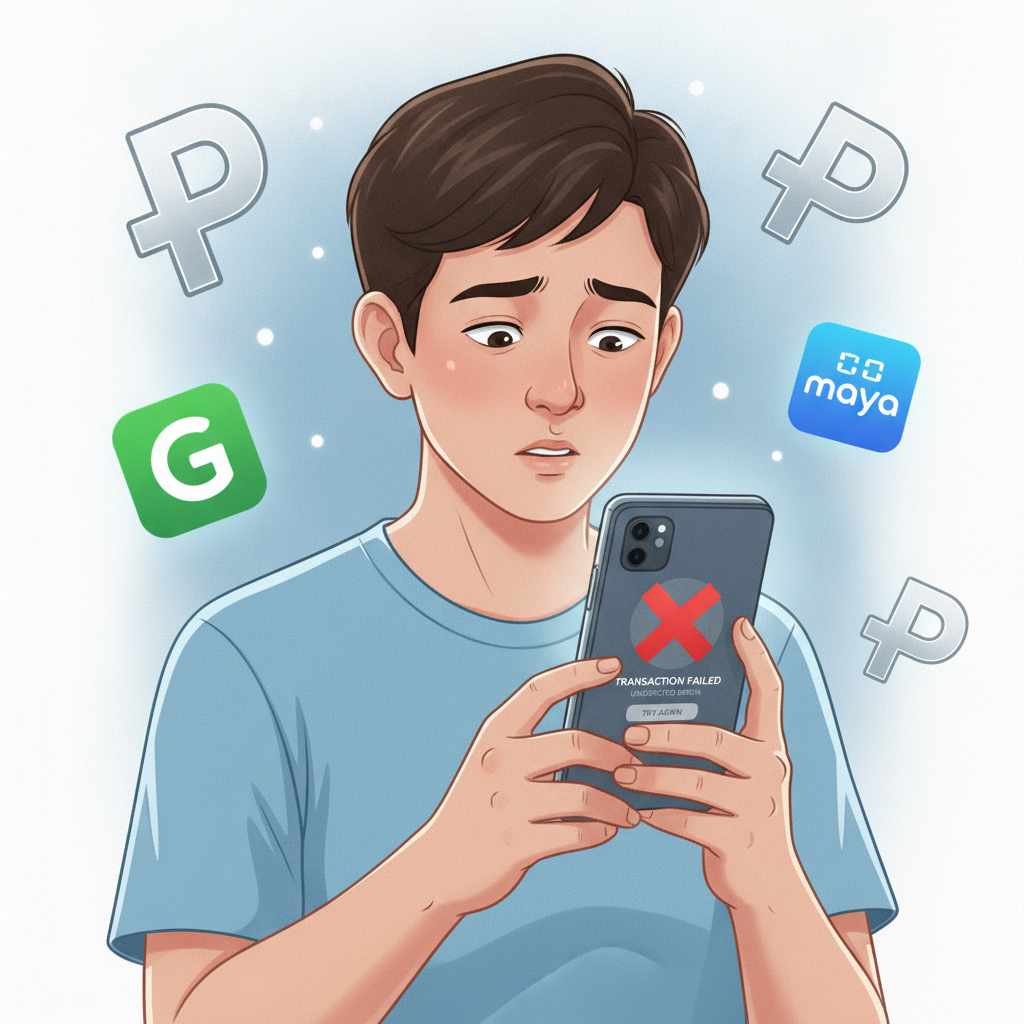
Why Your Yurnero88 Withdrawal Gets Rejected
A rejected cashout is frustrating, especially when you need your winnings in GCash, Maya, or your bank account. Yurnero88 processes most withdrawals within a few hours to two business days, but the platform will decline a request if something doesn't match their security checks or payment rules.
This guide explains the seven most common reasons Yurnero88 rejects a withdrawal and shows you how to fix each one so your next cashout goes through.
1. Incomplete Identity Verification or Mismatched Account Details
Yurnero88 requires identity verification before approving your first withdrawal. If you skipped this step during registration or uploaded unclear documents, the cashout team will reject your request until they can confirm your identity.
Common problems:
- No valid ID uploaded (government-issued photo ID such as a Philippine passport, driver's license, or UMID)
- Blurry or cropped document photos
- The name on your Yurnero88 account doesn't match the name on your ID or e-wallet exactly
- Your registered birthdate puts you under 21 years old
How to fix it:
- Log in to your Yurnero88 account on your phone or browser.
- Go to Account or Profile settings and look for Verification or KYC.
- Upload a clear, full-color photo of the front and back of your government ID. Make sure all corners are visible and the text is readable.
- Double-check that the name, birthdate, and address you entered during registration match your ID and your GCash, Maya, or bank account exactly.
- Wait for the verification team to review your documents—this usually takes 24 to 48 hours.
- Once verified, submit your withdrawal request again.
If your account name and e-wallet name don't match, contact Yurnero88 customer support through live chat or email to update your details before trying again.
2. Wagering Requirements Not Met Before Cashout Attempt
If you claimed a bonus—welcome offer, reload promo, free spins, or cashback—Yurnero88 attaches wagering requirements to the bonus amount and sometimes to your deposit as well. You must meet these requirements before the platform will release any winnings for withdrawal.
What this means:
- A 10× wagering requirement on a ₱200 bonus means you need to place ₱2,000 in qualifying bets before you can cash out.
- Not all games count equally: slots usually contribute 100 percent, while live dealer games may count only 10 to 20 percent or not at all.
- If you request a withdrawal before completing the rollover, Yurnero88 will reject it and may forfeit your bonus balance.
How to fix it:
- Check your account's Bonus or Promotions section to see your current wagering progress.
- Review the terms of the bonus you claimed to confirm which games count and how much you still need to wager.
- Play eligible games until the rollover is complete. Slots and most jackpot games are your fastest option.
- Once the requirement is met, the bonus balance converts to real money, and you can submit a new withdrawal request.
If you'd rather skip the rollover and withdraw your original deposit, contact support to cancel the active bonus—some platforms allow this, but you'll lose any bonus funds.
3. Withdrawal Amount Below Minimum or Above Daily Limit
Yurnero88 sets a minimum and maximum withdrawal amount for each payment method. If your cashout request falls outside these limits, the system will automatically reject it.
Typical limits:
- Minimum withdrawal: ₱100 to ₱300, depending on the method (GCash and Maya are often ₱100; bank transfers may require ₱500 or more)
- Maximum daily withdrawal: ₱10,000 to ₱50,000 for standard accounts; VIP members may enjoy higher limits
- Maximum per transaction: Varies by e-wallet or bank
How to fix it:
- Go to the Withdrawal page and check the listed minimum and maximum for your chosen method.
- If your request is too small, wait until your balance reaches the minimum, or add a bit more by playing, then try again.
- If your request exceeds the daily limit, split it into multiple cashouts over several days, staying within the per-transaction and daily caps.
- Consider requesting a limit increase if you're a regular player—contact VIP support or account management to ask about higher tiers.
Always double-check the limits before you hit submit to avoid unnecessary rejections and delays.
4. Wrong or Outdated GCash, Maya, or Bank Details on File
A simple typo in your GCash mobile number, Maya account, or bank account number will cause Yurnero88 to reject your withdrawal. The platform checks that the name on the receiving account matches your verified Yurnero88 profile, and any mismatch triggers a security block.
Common mistakes:
- Typing the wrong GCash or Maya mobile number
- Entering an old bank account number you no longer use
- The account name on your e-wallet or bank doesn't match your Yurnero88 registered name
- Trying to withdraw to someone else's account (this violates platform rules)
How to fix it:
- Open your Account or Cashier settings on Yurnero88.
- Navigate to Withdrawal Methods or Payment Details.
- Verify that your GCash or Maya mobile number is correct and active.
- If withdrawing to a bank, confirm your account number, account name, and bank branch code for InstaPay or PESONet.
- Update any incorrect details, then save the changes.
- Submit a new withdrawal request to the corrected account.
Yurnero88 will only send funds to an account registered in your own name. If you need to use a different e-wallet or bank, update your profile and complete re-verification if prompted.
5. Duplicate or Pending Withdrawal Already in the Queue
Yurnero88 processes cashouts in order. If you already have a pending withdrawal, submitting a second request before the first one clears can trigger a rejection or delay both transactions.
How to fix it:
- Check your Transaction History or Withdrawal Status page.
- If a cashout is marked Pending or Processing, wait for it to complete before requesting another.
- Standard processing times are a few hours for GCash and Maya, and one to two business days for InstaPay and PESONet bank transfers.
- If a pending request has been stuck for more than 48 hours, contact support with your transaction ID to ask for an update.
Avoid canceling and resubmitting the same withdrawal repeatedly—this flags your account for manual review and slows things down.
6. Account Under Review or Restricted Due to Security Checks
Yurnero88 runs routine security checks to prevent fraud and meet regulatory standards. If the platform detects unusual activity—multiple login locations, big bet swings, or pattern flags—they may place your account under temporary review and block withdrawals until the investigation is complete.
Possible triggers:
- Logging in from different devices or IP addresses in a short time
- Large cashout request immediately after a big win
- Using a VPN or proxy service
- Multiple failed login attempts
How to fix it:
- Check your email or account notifications for a message from Yurnero88 explaining the review.
- Provide any requested documents or information (proof of address, transaction screenshots, etc.) as quickly as possible.
- Avoid logging in from public Wi-Fi or shared devices during the review period.
- Wait for the security team to clear your account—this can take one to five business days.
- Once the review is complete and your account is unrestricted, submit your withdrawal again.
If you haven't received any communication but your cashouts keep getting rejected, reach out to customer support for clarification.
7. Technical Glitch or Payment Provider Downtime
Occasionally, a withdrawal rejection isn't your fault—it's a temporary technical issue on Yurnero88's side or with GCash, Maya, InstaPay, or PESONet. Server maintenance, network outages, or payment gateway errors can all cause cashouts to fail without a clear explanation.
How to fix it:
- Wait 30 minutes to an hour, then try submitting your withdrawal again.
- Check GCash, Maya, or your bank's official social media or app notifications for any reported downtime.
- If the issue persists, switch to a different payment method if you have one on file (for example, try Maya if GCash isn't working).
- Contact Yurnero88 support via live chat or email, provide your transaction ID, and ask if there's a known issue.
Most technical rejections resolve within a few hours once the provider or platform completes maintenance.
How to Resubmit a Corrected Withdrawal Request and Avoid Future Rejections
Once you've identified and fixed the problem, follow these steps to resubmit your cashout and reduce the chance of another rejection:
- Log in to your Yurnero88 account.
- Go to Cashier or Withdraw.
- Select your preferred payment method: GCash, Maya, or bank transfer (InstaPay or PESONet).
- Enter the amount within the allowed minimum and maximum limits.
- Confirm that your account details—mobile number, bank account, name—are correct and match your verified profile.
- Review any active bonuses and ensure wagering requirements are complete.
- Submit the request and note the transaction ID.
- Check your Transaction History for status updates.
Tips to avoid future rejections:
- Complete full identity verification as soon as you register, before your first deposit.
- Keep a single, verified e-wallet or bank account on file and update it only when necessary.
- Read bonus terms carefully and track your rollover progress before requesting a cashout.
- Stay within daily and per-transaction limits.
- Use a stable internet connection and avoid public VPNs when accessing your account.
Responsible Gambling Reminder
Yurnero88 is for players aged 21 and over. Withdrawals are part of responsible bankroll management—only play with money you can afford to lose, set deposit and loss limits, and take breaks if gambling stops being fun. If you or someone you know needs help, reach out to a local support organization.
Still stuck? If you've fixed all seven issues and your Yurnero88 withdrawal is still rejected, contact customer support with your transaction ID, screenshots of the error, and details of the steps you've already tried. Most cashout problems can be resolved within 24 to 48 hours once support has the full picture.